Create New Campaign
Step 1: Campaign Type
AI Campaign Generator
Let AI create a high-converting campaign in seconds. Just describe your goal!
or choose a campaign type manually
Standard Campaign
One-time email blast to your audience
Automated Series
Drip campaign with multiple emails
A/B Test
Test two versions to optimize results
RSS Campaign
Auto-send blog posts to subscribers
Triggered Email
Send based on user actions or events
Transactional
Order confirmations, receipts, etc.
Step 2: Content
Campaign Details
Email Template
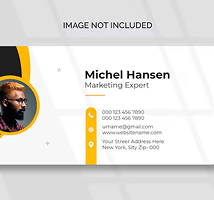
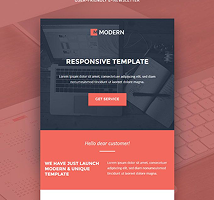
Modern
Clean & minimal
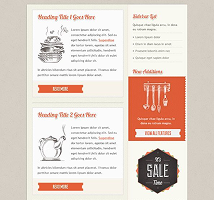
Bold
Eye-catching
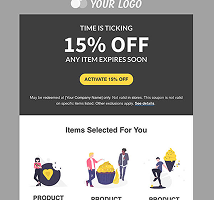
Classic
Professional
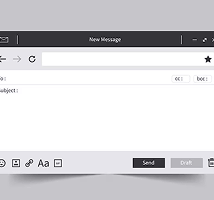
Newsletter
Content-rich
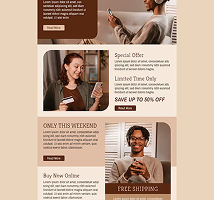
Promo
Sales-focused
Blank
Start fresh
Email Content
Start writing your email content here...
Preview
Your Company
hello@company.com
Limited time offer - Up to 50% off!
Email content preview will appear here...
Step 3: Audience
Select Your Audience
Total Contacts
12,847
Subscribed
11,234
Active (30d)
8,456
Selected
0
AI Audience Recommendation
Based on your campaign goal, we recommend targeting "High-Value Customers" segment
Exclude Contacts
Prevent specific groups from receiving this campaign
Step 4: Schedule
When to Send
Send Now
Campaign will be sent immediately
Schedule for Later
Choose a specific date and time
AI Optimal Time
Let AI choose the best time
AI Recommendation
Based on your audience's engagement patterns, Tuesday at 10:00 AM shows 28% higher open rates
Additional Options
Test different subject lines or content
Send to each recipient at their optimal time
Monitor email open rates
Monitor link click-through rates
Add UTM parameters to links
Step 5: Review
Review Your Campaign
Double-check everything before sending
Campaign Details
Audience & Delivery
Pre-Send Checklist
Important
Once scheduled, you can cancel the campaign up to 5 minutes before the send time. After sending, campaigns cannot be recalled.